Pandas Method Chaining: Write Data Transformations That Read Like a Story
Write Clean, Composable Data Transformation Pipelines
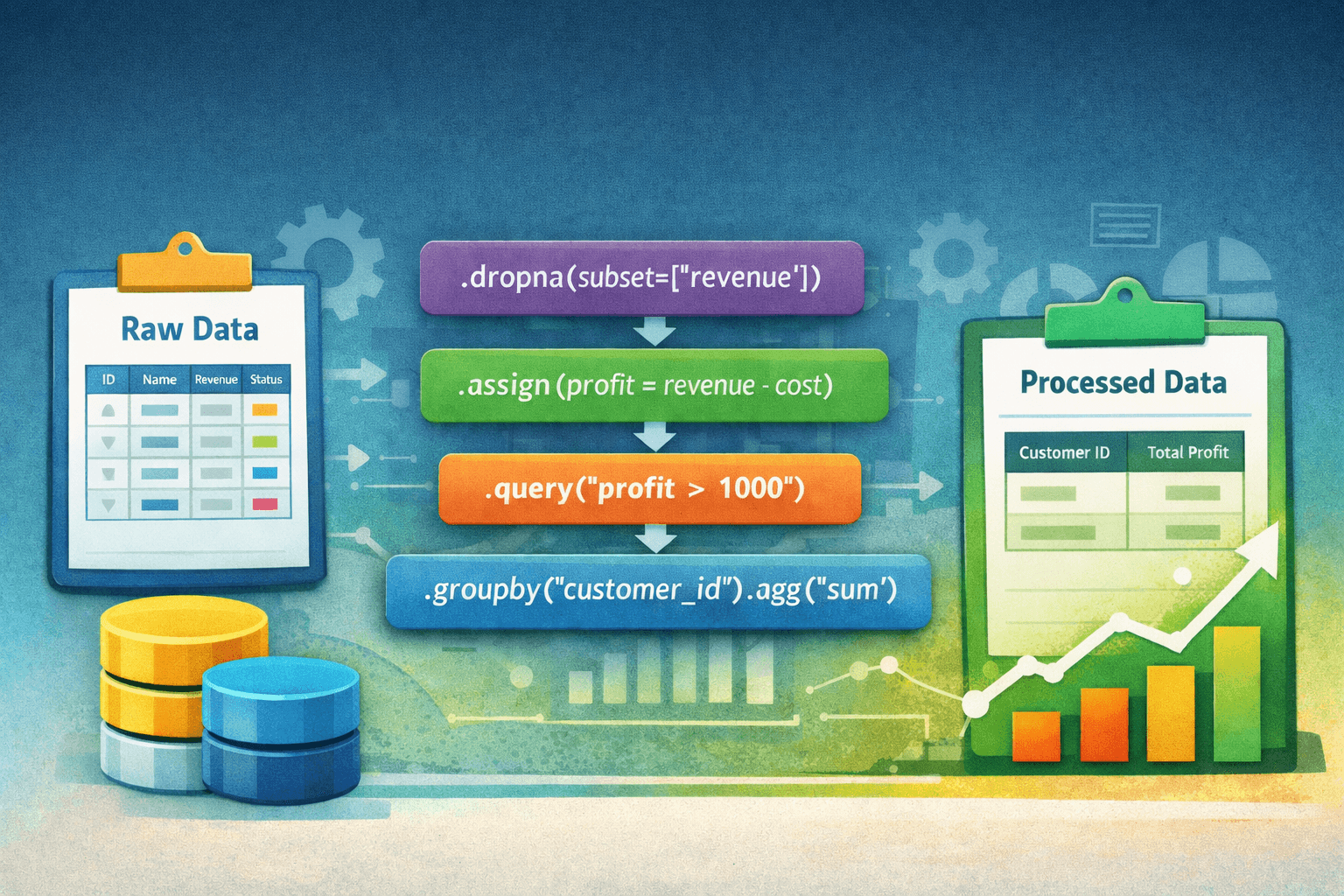
Most pandas code starts clean… and ends as a pile of intermediate variables. Method chaining fixes that. Instead of mutating the same DataFrame over and over, you build a clear, linear transformation pipeline — one expression, top to bottom, readable like a story. Let’s break down how and why to use it.
1. What Is Method Chaining?
Method chaining means calling multiple DataFrame methods sequentially on the same object. Note: you'll want to wrap the chain in parentheses to avoid needing to add a backslash after each method.
1import pandas23raw_df = pandas.read_csv('myData.csv')45transformed_df = (raw_df6.dropna(subset=['revenue'])7.assign(revenue_usd=lambda x: x['revenue'] / 100)8.query("""revenue_usd > 10000""")9.sort_values('revenue_usd', ascending=False)10)
This code is much cleaner and reads easier than something like this:
1import pandas23raw_df = pandas.read_csv('myData.csv')45transformed_df = raw_df.copy()6transformed_df = transformed_df.dropna(subset=['revenue'])7transformed_df['revenue_usd'] = transformed_df['revenue'] / 1008transformed_df = transformed_df[transformed_df['revenue_usd'] > 10000]9transformed_df = transformed_df.sort_values('revenue_usd', ascending=False)
The chained version:
- Avoids mutation confusion
- Avoids accidental state reuse
- Makes transformation order explicit
- Feels closer to SQL
2. Building the Chain
Nearly every action that you would take to manipulate a dataset can be done via method chaining — although some methods are more intuitive than others.
Let's import our data:
1import pandas23raw_df = pandas.read_csv('salesData.csv')
From here, we can apply some of the more intuitive data transformations. In the following example, we will sort, then rename columns, select specific columns, and perform a left join with another dataset.
1# Define a dictionary to use for re-naming AND selecting specific columns2result_columns = {3'customer__unique_id': 'customer_id',4'account_name': 'customer_name',5'contract_id': 'contract_number',6'reporting_month': 'month',7'monthly_revenue_usd': 'revenue'8}910transformed_df = (raw_df11.sort_values(by=['account_name', 'contract_id'], ascending=[False, True])12.rename(columns=result_columns)13.filter(result_columns.values())14.merge(customer_detail_df, on='customer_id', how='left')15)
In the example, the following transformations were made:
- Sort the DataFrame by
account_namethencontract_id. - Rename the DataFrame's columns using a dictionary defined above. Each key in the dictionary will be renamed to the corresponding value.
- Select only the columns defined in the dictionary. Note: we are using
.values()to get an iterable of just the column names after they are modified. - Merge (Left Join) with the DataFrame
customer_detail_df.
This dictionary enhances method chaining even futher by allowing us to define logic once and only once.
We can add additional methods to the chain to continue the transformation process. Most pandas methods make this extremely straightforward, so I won't cover every case.
In the example below, we will take transformed_df and then group it, aggregate, and only return 10 rows to generate a report of the Top 10 Customers by Revenue and Month.
1report_df = (transformed_df2.groupby(['customer_name', 'month'], as_index=False)3.agg({'revenue': 'sum'})4.sort_values('revenue', ascending=False)5.head(10)6)
Sorting, limiting, de-duplicating, dropping nulls, filling nulls, renaming columns, selecting columns, grouping, aggregating, pivoting, un-pivoting, merging (joining), the list goes on. All of these actions fit nicely into the conceptual framework of method chaining. Although, 2 very important and common data transformation operations were not included in this list. Column mutation and Filtering will be covered below.
3. Performing Column Mutations
The traditional way to create new and manipulate existing columns would look like the following:
1# Modify the existing revenue column by filling NAs2sales_df['revenue'] = sales_df['revenue'].fillna(value=0)34# Create a margin column5sales_df['margin'] = sales_df['revenue'] - sales_df['monthly_cost']
This works fine and is convenient for quick analysis. However, when a column needs to be created or modified in the middle of the data transformation process, the concept of method chaining could fall apart.
Use .assign(): This method assigns a new column or overwrites an existing column in a DataFrame.
We can re-write the above examples using assign:
1transformed_df = (sales_df2.assign(revenue=lambda x: x['revenue'].fillna(value=0)) # Overwrite existing3.assign(margin=lambda x: x['revenue'] - x['monthly_cost']) # Create new column4)
Now column mutations can fully integrate into method chaining data pipelines.
4. Filtering Data
Many analysts will filter DataFrames in the following manner:
1# Filtering on a single column2revenue_df = revenue_df[revenue_df['customer_name'] == 'ACME Corp']34# Filtering on multiple columns5revenue_df = revenue_df[6(revenue_df['customer_name'] == 'ACME Corp') &7(revenue_df['invoice_month'] == '2025-01-01')8]
Similar to the traditional method for column mutations, this approach works, but it breaks method chaining and is harder to read.
There are 2 alternatives and both fit cleanly into method chaining.
1. The .query() method
The .query() method is intuitive and works extremely well. Despite this, it is not my preference, only because it uses a string-based expression syntax, which differs slightly from standard pandas boolean masking.
To provide a very simple example, this method works as follows:
1# We can reference this variable in the .query() method2customer_name = 'ACME Corp'34transformed_df = (raw_df5.query("""6customer_name == @customer_name and7invoice_month == '2025-01-01'8""")9)
This approach has several pros:
- The syntax is clean and clear
- This line is readable and works in a method chain
- It feels similar to SQL
2. The .loc[] method
I prefer using .loc[] because it is explicit and more pythonic. This method uses the same boolean masking that we used in the "bad" example above, but it can flow in a chain of methods.
1customer_name = 'ACME Corp'23filtered_df = (raw_df4.loc[lambda x: (5x['customer_name'] == customer_name) &6(x['invoice_month'] == '2025-01-01')7]8)
This approach also has several pros:
- Native python syntax
- Full IDE support (autocomplete, linting)
- Safer for dynamic expressions
Both .query() and .loc[] work well, choose your preference.
A note on chain-safety
In both the .loc[] filtering example and the .assign() column mutation example, I used lambda functions. This is necessary to ensure we receive the most recently modified version of the DataFrame.
See this example, where we rename account_name to customer_name, then attempt to filter on account_name:
1# This won't work2filtered_df = (raw_df3.rename(columns={'account_name': 'customer_name'})4.loc[raw_df['customer_name'] == 'ACME Corp']5)67# This will work8filtered_df = (raw_df9.rename(columns={'account_name': 'customer_name'})10.loc[lambda x: x['customer_name'] == 'ACME Corp']11)
- The first code snippet will not work, because we are attemping to filter the DataFrame using the original
raw_dfDataFrame. - The second code snippet will work, because
.loc[]is receiving the latest DataFrame, withaccount_namerenamed tocustomer_name.
It is my recommendation to default to using lambda when method chaining, even though it isn't technically always necessary.
5. Building Reusable Logic
As your pandas workflows grow, duplication of code becomes a concern.
.pipe() solves this by leting you move transformation logic into reusable and composable functions — while keeping your method chain clean.
The core idea
.pipe() does the following:
- Passes the DataFrame as the first argument
- Accepts additional arguments
- Preserves chain flow
1example_df.pipe(my_function, some_arg=value)
Let's say we have a function that takes a DataFrame and filters for an active status.
1import pandas23def filter_active(df: pandas.DataFrame) -> pandas.DataFrame:4return df.loc[df['status'] == 'Active']
We could pass our DataFrame into this function like so:
1new_df = filter_active(current_df)
But this doesn't fit into the method chaining framework. This is where .pipe() comes into play. .pipe() works just like any other chained method by taking a method that expects and returns a DataFrame.
1transformed_df = (raw_df2.pipe(filter_active)3)
There are many pros to this approach:
- Modular business logic
- Reusable definitions for metrics and reporting
- Cleaner pipelines
- Removal of duplicated business logic across modules
- Easier testing
Final Thoughts
Method chaining improves readability and can support virtually any data transformation, as long as you understand the tools available.